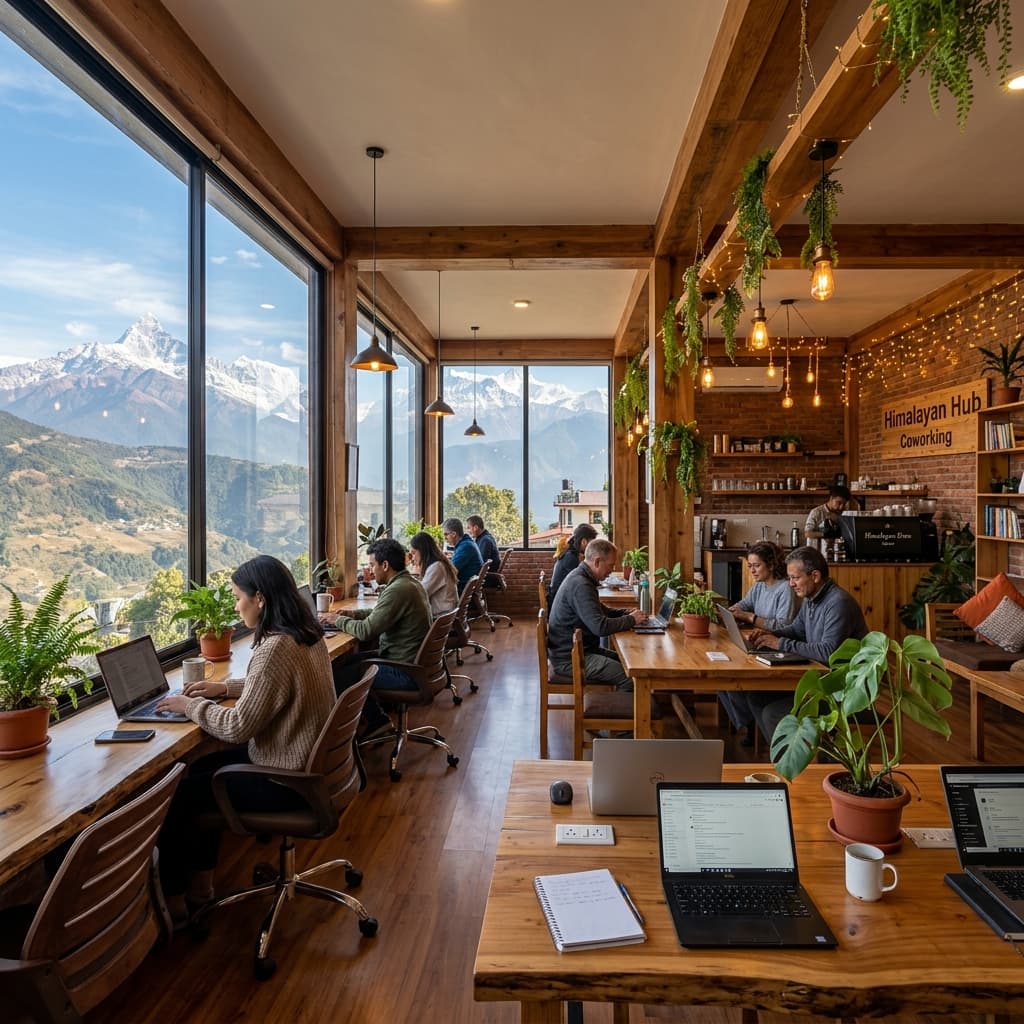
Running a coworking space, workspace cafe, or nomad hub in Nepal is a fantastic way to connect with remote workers from all over the globe. Digital Nomads in Nepal is the premier platform mapping out digital infrastructure, cafes, and hubs across Kathmandu, Lalitpur, Pokhara, and beyond.
By listing your hub on our directory, you gain direct visibility, increase daily coworking check-ins, and build a local community of developers, designers, and entrepreneurs.
Here is a comprehensive, step-by-step guide to registering, managing, and showcasing your workspace on our website.
Why List Your Workspace?
- Targeted Visibility: Reach remote workers who are specifically looking for verified, high-speed internet hubs in Nepal.
- Daily Check-Ins: Our community members actively "check-in" to local spaces so others can find co-working buddies in real time.
- Free Exposure: Creating and publishing your listing is entirely free.
Step 1: Prepare Your Workspace Details
Before filling out the registration form, gather the following details to ensure a high-quality listing:
- Fiber Internet Speed: Digital nomads prioritize internet speed above all else. Run a speed test (e.g. speedtest.net) and note down the download/upload speeds.
- Pricing Plans: Details on day passes, weekly rates, and monthly packages in Nepalese Rupees (NPR).
- Key Amenities: Back-up power/generator details (crucial for load shedding), ergonomic chairs, meeting rooms, skype booths, free tea/coffee, etc.
- Photos: High-quality landscape photos of the working area, desks, and exterior.
- Accurate Coordinates: Physical address and Google Maps location.
Step 2: Fill Out the Registration Form
To submit your space:
- Navigate to the Workspace Registration Page.
- Enter your workspace's official name, address, contact email, and phone number.
- Select the city (e.g., Kathmandu, Pokhara, Lalitpur, or Other).
- Specify the Internet Speed (in Mbps) and upload speed backup options.
- Describe your space, highlighting what makes it special for creative professionals and coders.
- Provide price points so nomads can plan their monthly budgets.
- Click Submit Listing.
Step 3: Admin Review and Verification
Our team reviews each submission to prevent spam and ensure the workspace meets the needs of remote workers. Once approved:
- Your space will appear in our main Coworking Directory.
- Nomads will be able to select and check in to your workspace from the Community Dashboard.
Tips for a Premium Workspace Listing
- List Backup Power: Always mention if you have an inverter, UPS, or generator backup so nomads know they won't lose connection during outages.
- Keep Speeds Updated: If you upgrade your fiber package, update your listing to reflect the new speeds.
- Offer a Free Day Trial: Host a "Nomad Day" or offer a first-day-free deal to encourage check-ins and ratings!
Related Posts

Get the Free Nepal Nomad Starter Kit
Weekly tips + free PDF guide describing cost of living, visa hacks, and the best coworking spots.